Organizations across the world are realizing the impact the Cloud can create, not just on their business, but in serving customers, partners, and employees more effectively. It’s helping companies navigate uncertainty by addressing key challenges such as improved business agility, expansion of revenue streams, support for remote application development, and reduced IT costs. Today, this shift is clearly reflected in adoption trends, with Microsoft Azure, which is projected to generate nearly $69 billion in revenue and hold around 33% market share among leading cloud providers, with AI playing an increasingly important role in its growth
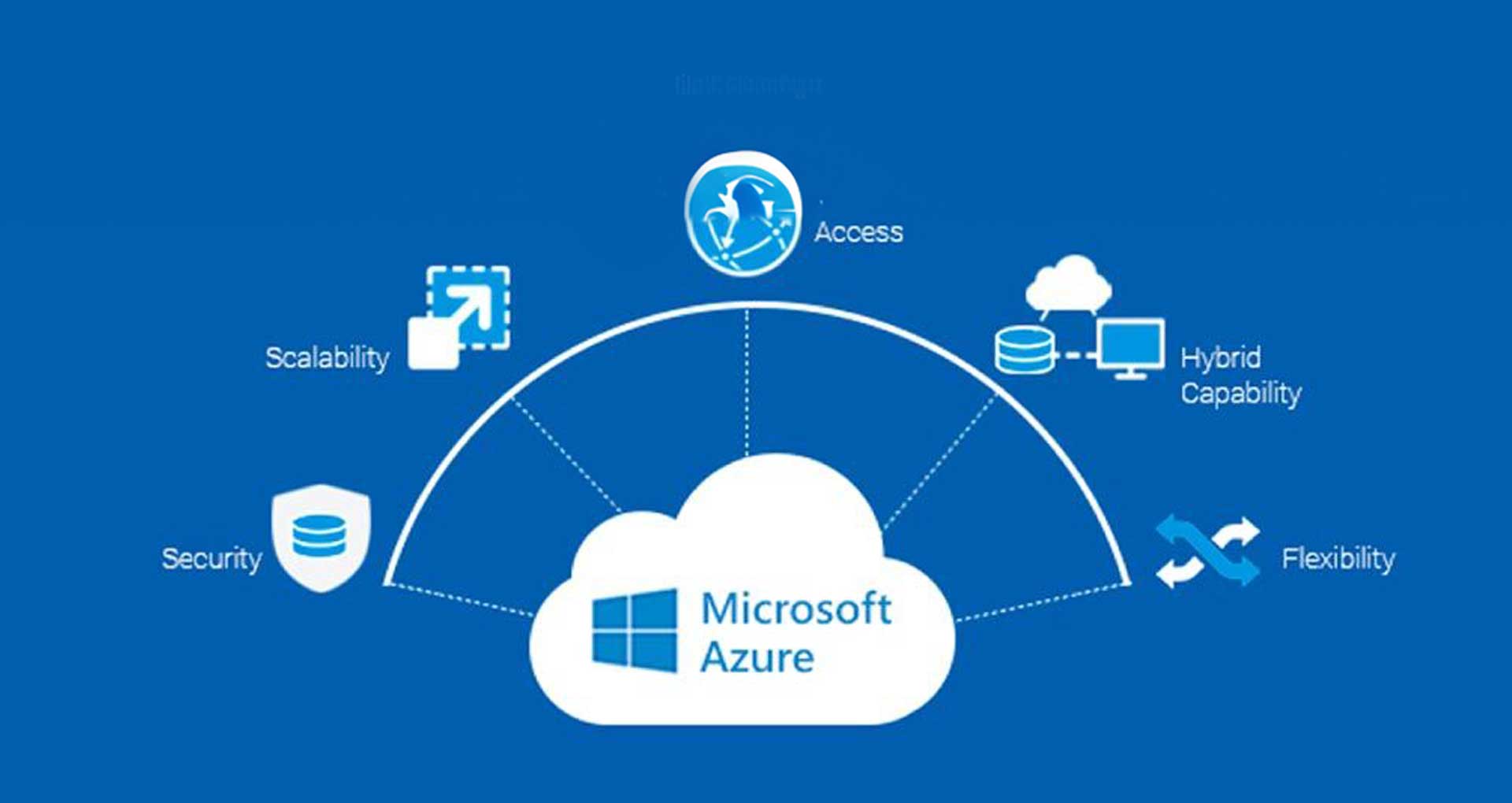
Microsoft provides strong platforms that enable users to manage servers, databases, networking systems, storage solutions, and analytics functions seamlessly. Businesses use Microsoft Azure to develop applications that can be deployed and scaled using Azure application development capabilities and related services. Along with cloud-based applications that offer security, scalability, and intelligent features, making Azure a preferred choice for modern enterprise application development.
Read this blog to know more about Microsoft Azure, one of the best platforms for building applications from scratch and scaling them over time.
Why Choose Azure for Cloud Application Development?
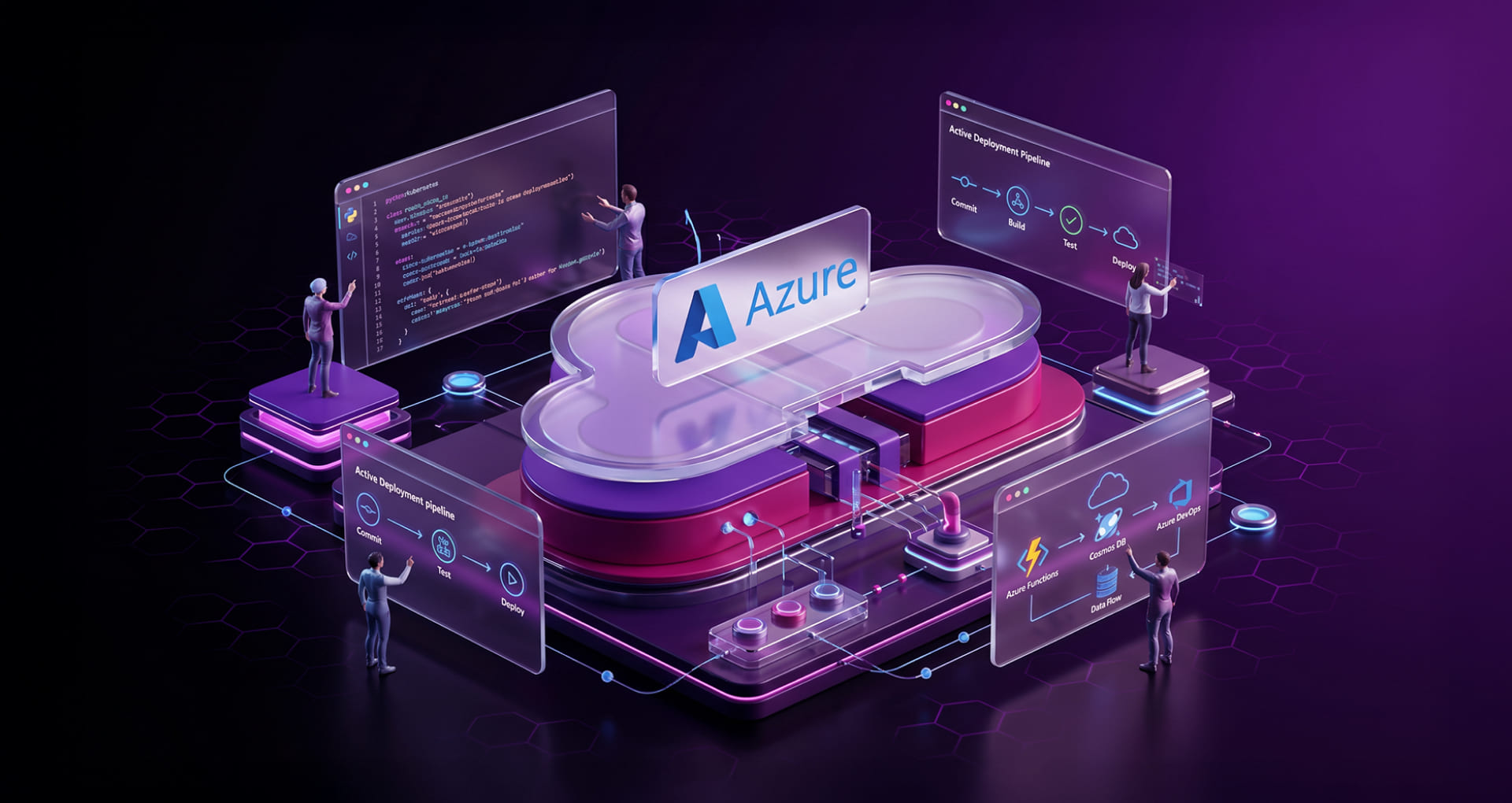
Azure application development services provide teams with essential tools which enable them to concentrate on application development work without needing to handle infrastructure work. Teams can use Azure’s flexible and scalable platform to develop and test and deploy applications while avoiding operational system concerns. Organizations can use its managed services ecosystem which handles all aspects of application development and modernization to transform their concepts into completed products with fewer obstacles.
Azure’s compatibility with existing workflows provides organizations with another advantage. Developers can maintain development and deployment synchronization through GitHub and Visual Studio and Azure DevOps while security and compliance requirements receive automatic management through built-in system functions. The platform enables organizations to build and operate extensive cloud-native applications which function as trusted and efficient systems.
Benefits of Azure Cloud Application Development
The Azure cloud offers software as a service (SaaS), Platform as a Service (PaaS) and Infrastructure as a service (IaaS). These platforms provide multiple integrated cloud services with bundled suites & features including different programming languages, tools & structures to support enterprise needs. With these, your development partner can help create reliable and scalable Web Apps, Mobile Apps, API Apps, and Logic Apps over a single instance. Further, it is incomplete without integration capabilities with on-premises or other cloud systems.
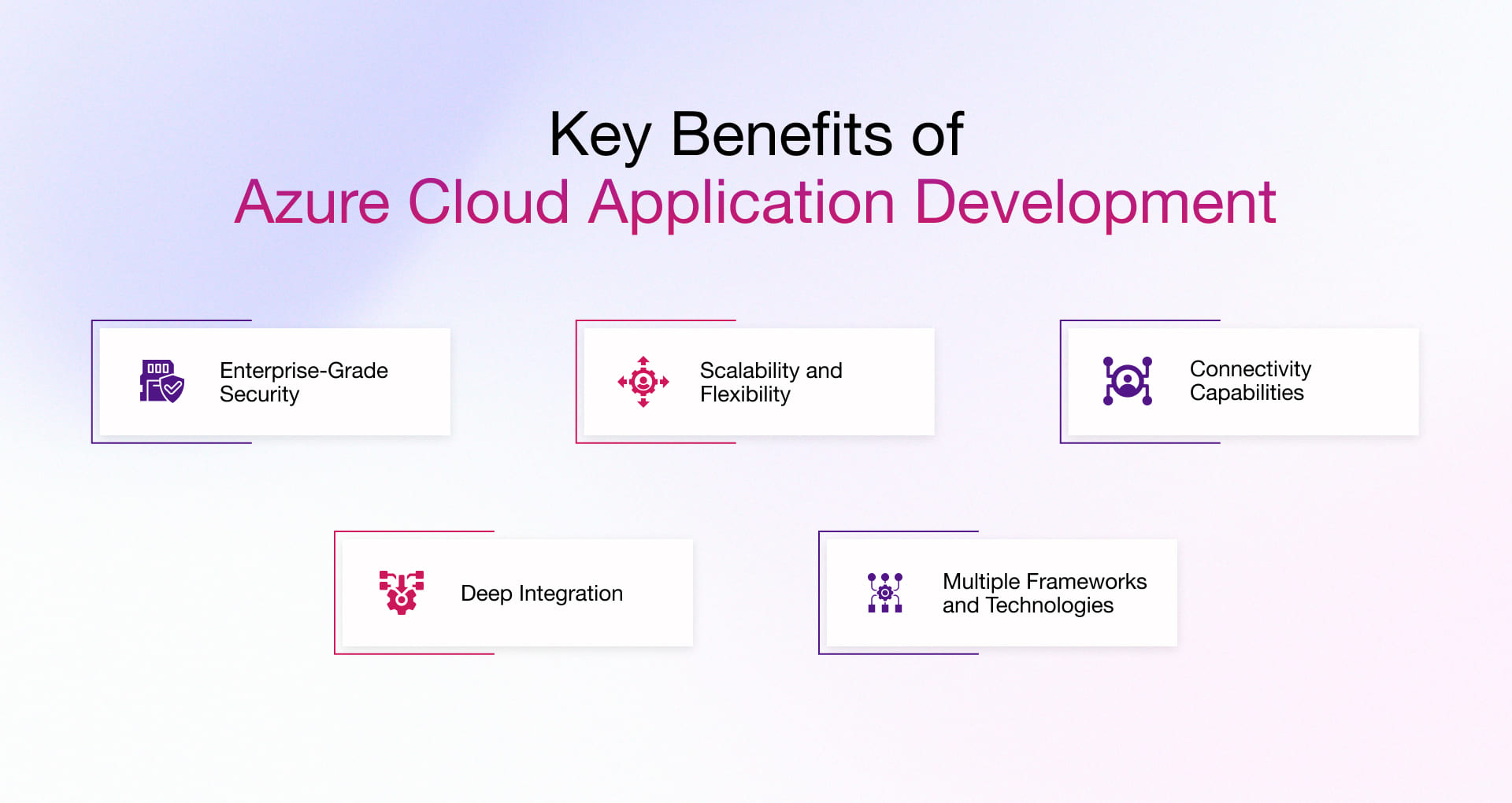
Here are some of the numerous benefits of azure application development;
1. Enterprise-Grade Security and Compliance
Microsoft Azure offers robust security backed by more than 50 global compliance certifications, including standards trusted by U.S. government agencies. This ensures that applications meet strict regulatory requirements while protecting sensitive data through built-in identity management, threat detection, and encryption capabilities.
2. Seamless Scalability and Flexibility
Azure allows applications to scale from a few users to millions without requiring major code changes or infrastructure redesign. This flexibility ensures consistent performance during traffic spikes while enabling businesses to grow without worrying about system limitations.
3. Advanced Hybrid and Connectivity Capabilities
Azure enables hybrid deployment of applications through its Virtual Private Network (VPN) and Content Delivery Network (CDN), caching, and ExpressRoute services which link on-premises infrastructure with cloud environments. The system delivers improved application performance and decreased latency while maintaining uninterrupted connections between different operational environments.
4. Deep Integration with Microsoft Ecosystem
Azure provides complete compatibility with Microsoft products which include Windows Server and Active Directory for various enterprise applications. The platform enables organizations to operate their standard systems because it provides support for both Linux and Windows environments which also streamlines their workflow and transition processes.
5. Support for Multiple Frameworks and Technologies
Azure delivers a flexible development platform which enables developers to work with popular programming languages and frameworks such as Python, Java, .NET, Node.js and other languages. Developers have the option to implement their applications as either scripts or containers or virtual machines which allows them to select the most suitable method for their specific requirements.
Core Microsoft Azure Cloud Computing Services for Application Development
What makes Microsoft Azure cloud computing a suitable choice for application development lies in its services, capabilities, and features. Let’s explore the most critical ones.
1. Compute & Application Hosting
This is where your application actually runs. Some teams want to forget about servers entirely. Others want full control. Azure gives you both options.
- Azure App Services – Just deploy your web app or API and let Azure handle the rest. With this leading Microsoft Azure app development service, you don’t need to worry about servers anymore
- Azure Kubernetes Service (AKS) – If you’re already running containers and things are getting complex, this keeps it manageable.
- Azure Virtual Machines – When you need direct control over the environment, nothing gets closer than this.
- Azure Container Apps – A middle ground. You get containers without the headache of managing Kubernetes yourself.
2. Serverless & Event-Driven
In application development, not every part of your system needs to run 24/7. Some components stay in a dormant state and only come into action when needed, then return to the same state after execution.
- Azure Functions – Write a piece of code, tell it what should trigger it, and it runs only when needed.
- Azure Logic Apps – Good for connecting different services together, especially when you want to automate a workflow without writing much code.
- Azure Event Grid – Lets different parts of your system communicate and work together by sending and receiving events.
- Azure Service Bus – Despite the reality of temporary failures, Azure Service Bus still has the capability to ensure reliable communication between services.
3. Data & Storage Services
Every application store data one or another way. The choice you make here shapes everything else.
- Azure SQL Database – Great when your data is structured and the relationships between things are clear.
- Azure Cosmos DB – Built for data that doesn’t fit neatly into rows and columns. Flexible by design.
- Azure Blob Storage – A simple place to store files, images, backups, anything you just need to keep somewhere.
- Azure Data Lake Storage – When you’re collecting huge amounts of data and plan to analyze it later.
4. DevOps & Development Tools
Getting code from your laptop to production is a process which needs to be conducted frequently. These services are on demand to make things easier and faster for development cycle.
- Azure DevOps – Manages your build and release pipelines so deployments feel boring in the best way.
- GitHub (Azure-integrated) – Where your code lives and where changes start. Works naturally with the rest of Azure.
- Visual Studio / VS Code – Where the actual writing happens. Most developers are already here.
5. Integration & API Management
In the process of application development using Azure services is not just about making it live. But also making communication and integration between other application within the workflow needs to be as easy as possible. That’s where things can get messy without the right tools.
- Azure API Management – A front door for your APIs. Controls access, rate limits, and how they’re presented to the outside world.
- Azure Logic Apps – Helpful when you need to connect two systems that weren’t built to talk to each other.
- Azure Service Bus – Keeps messages flowing even when one side of the conversation is temporarily unavailable.
6. Security & Identity Management
Security is the top layer of every application development cycle. Microsoft Azure also provides services to support a highly secure development environment where applications can scale safely.
- Azure Active Directory (AAD) – Handles who can log in and what they’re allowed to do.
- Azure Key Vault – Stores passwords, API keys, and secrets so they never end up sitting inside your code.
- Microsoft Defender for Cloud – Keeps an eye on your setup and flags problems you might otherwise walk right past.
7. AI & Intelligent Services
In the era of the AI boom, these Microsoft Azure services are the ideal backbone for modern application development. This is where it all starts.
- Azure AI Services – Ready-to-use AI capabilities like reading text, recognizing images, or understanding speech.
- Azure OpenAI Service – Brings generative AI into your app, built on the same models behind ChatGPT.
- Azure Machine Learning – For when you need to train your own models on your own data.
8. Monitoring & Performance Management
Developing your app is just the beginning. Once it’s live, you need to know how it’s actually behaving.
- Azure Monitor – Gives you a live view of what’s happening across your services.
- Application Insights – Focused specifically on your app aspects like response times, failures, usage patterns.
- Azure Log Analytics – When something went wrong and you need to dig through the history to figure out why.
Rishabh Software’s Azure Application Development Process
Our extensive service portfolio offers enhanced scalability by lowering infrastructure costs with greater business agility by leveraging MS Azure. Rishabh Software’s Azure application development and Azure Consulting Services enables seamless project completion within the stipulated timeline & budget.
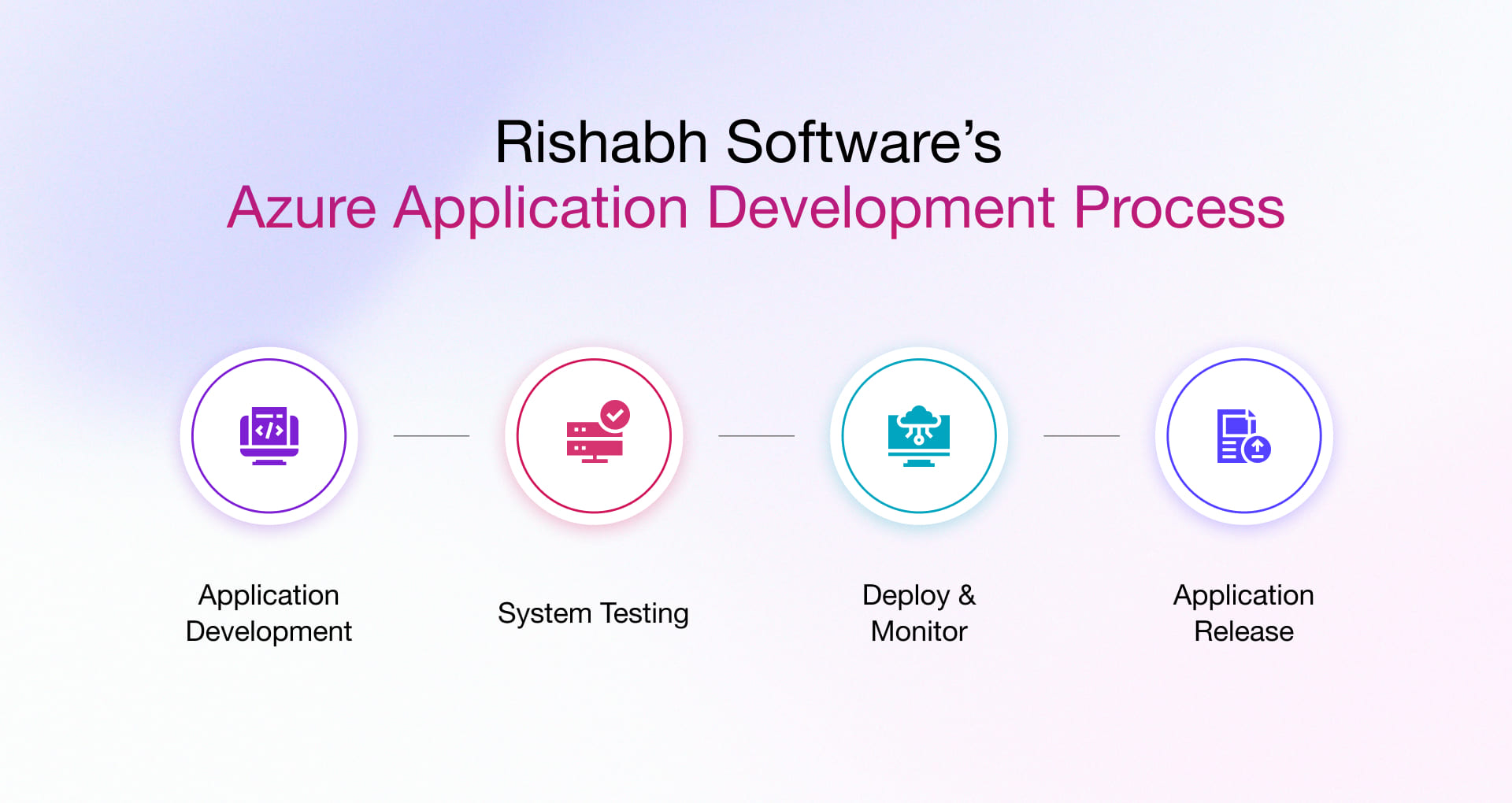
Here are the steps we follow:
- Application Development: Based on the project brief, code development for the application is initiated on the local developer machine.
- System Testing: We perform the tests on the Azure platform which comprises application testing, integration testing & user acceptance testing to improve code quality with end-to-end traceability for making make discovered defects actionable.
- Deploy & Monitor: Synchronization with the source code manager helps create the software package to be uploaded on the cloud platform.
- Application Release: Upon successful assessment of the workability of the application test code across desktop or web platforms, it is released into the production environment.
Azure Cloud Application Development Client Success Story
For companies that still use legacy systems, the gap between data and action is still a huge one. However, with cloud computing growing at a rapid rate & tons of data available, organizations can leverage the cloud to streamline product delivery to their global customers. Learn how we helped a customer benefit with Azure, to optimize inventory management.
Case Study: SaaS-Based Inventory Management Platform
A SaaS-based inventory management platform was developed using Microsoft Azure Cloud, .NET framework, and SQL Azure to streamline order-to-inventory workflows and improve collaboration across enterprise functions. The solution enabled centralized management of inventory, manufacturing, and business operations while reducing communication gaps between teams.
What does it offer?
- Centralized inventory and order management across business functions
- Automated workflows to reduce manual operations and process bottlenecks
- Improved collaboration between manufacturing, supply chain, and vendor teams
- Scalable cloud-based platform to support global users and dynamic workloads
- Real-time visibility into inventory and operational processes
Why Choose Rishabh Software for Azure Application Development Services?
As a trusted and certified Microsoft Solutions Partner, we are uniquely positioned to provide you a range of services with full access to the entire suite of MS products. With extensive experience in Microsoft Azure application development, we can offer result-oriented and in-depth capability irrespective of whether it is on mobile, web, or cloud. We help gain a significant ROI, achieve process efficiency and rapid development and deployment.
Frequently Asked Questions
Q: What is Azure Cloud Application Development?
A: It comprises services that can enable organizations to innovate rapidly by using cloud-native architectures to develop & deploy mobile applications, SaaS-based solutions, IoT & enterprise-grade apps. This also covers advanced integrations with microservices, managed databases, AI, offering DevOps support, and built-in monitoring. A development partner like Rishabh Software can help you develop & deploy high-performing Azure applications by leveraging a team of Microsoft Azure developers, Azure application consulting specialists, designers & testers.
It would typically cover;
- Azure Web Application Development
- Azure Mobile Application Development
- Azure Integrated Solutions
- Azure Migration Services
- .NET Migration Solutions
- .NET CMS Services
- SaaS-Based Solutions Development
- Azure Application Development Consulting
Q: What are the key best practices for Microsoft Azure Application development?
A: Best practices for Azure cloud application development include a wide range of critical aspects. For scalability, use services like Azure App Services and Azure Kubernetes Service, implement strong security and governance controls, and integrate CI/CD pipelines with Azure DevOps. Here is a quick list:
- Design for scalability and performance
- Use Azure managed services (App Services, AKS)
- Maintain strong security practices
- Set up CI/CD pipelines using Azure DevOps
- Monitor using Azure Monitor and logging tools
- Leverage AI capabilities for smarter applications